
What it does
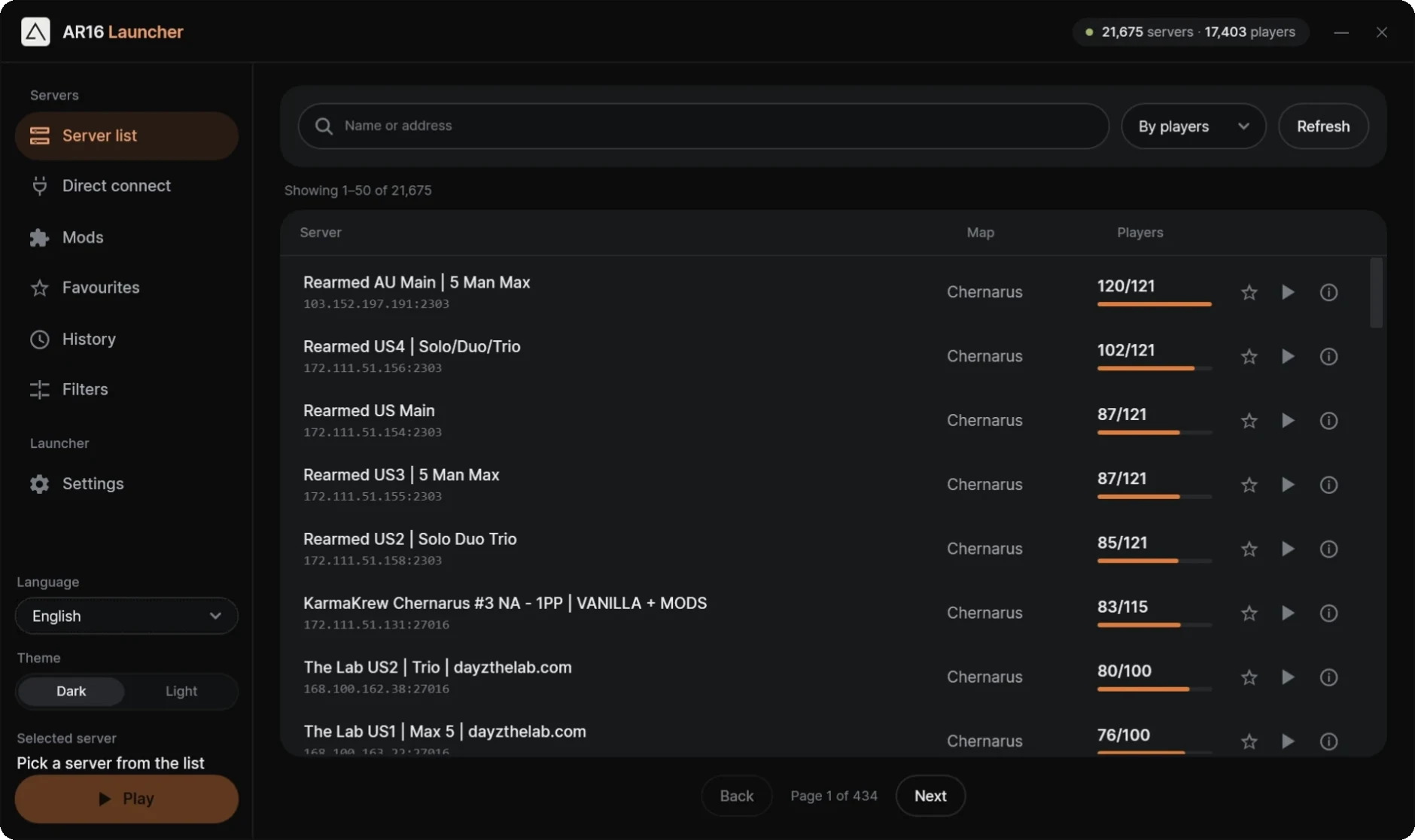
Every server, searchable
The full list, filtered by map, mods, version and how full a server is. Sorting by players is the default because that is what people actually look for.
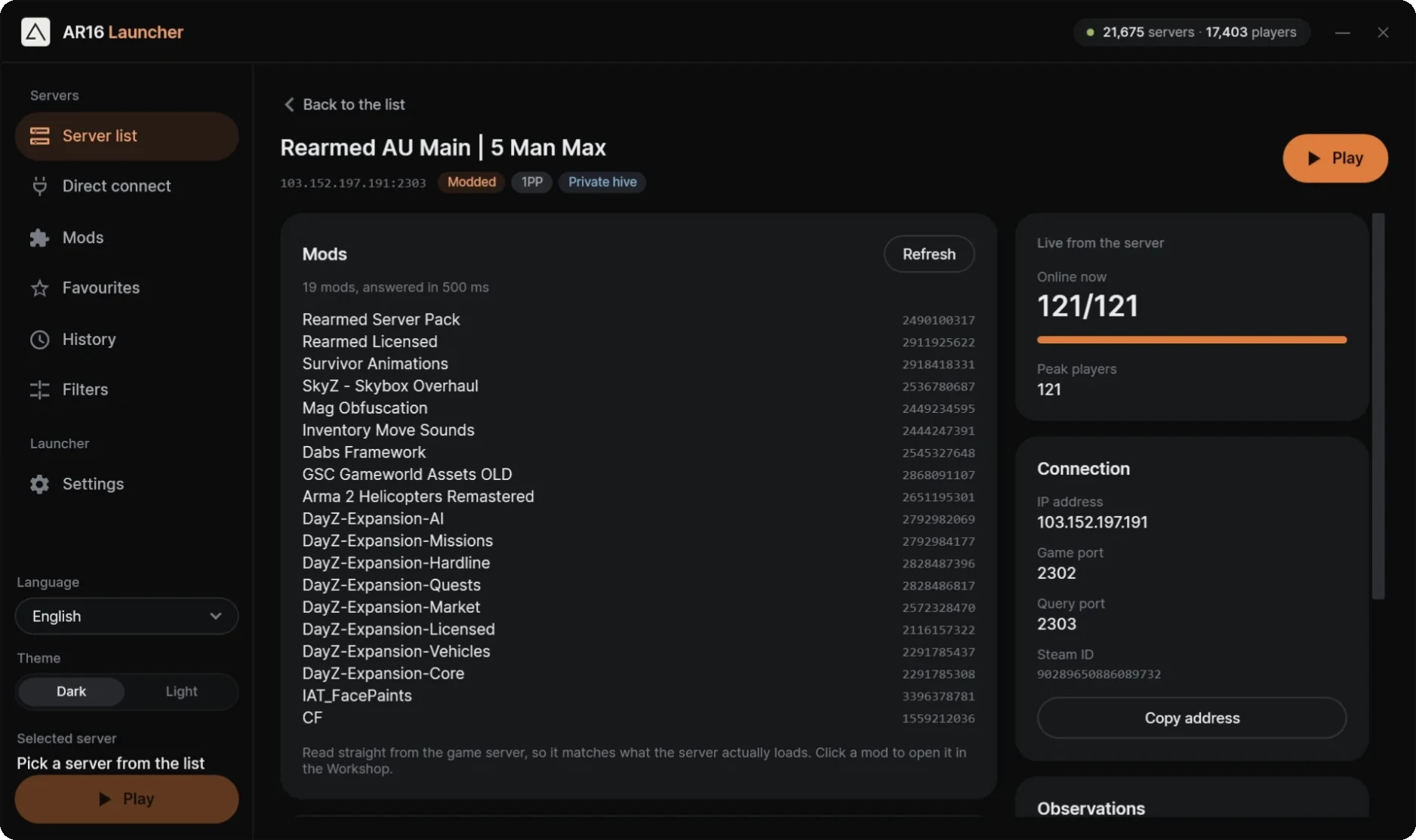
Mods read from the server
The mod list comes from the game server itself, so it matches what the server actually loads. Click a mod to open it in the Workshop.
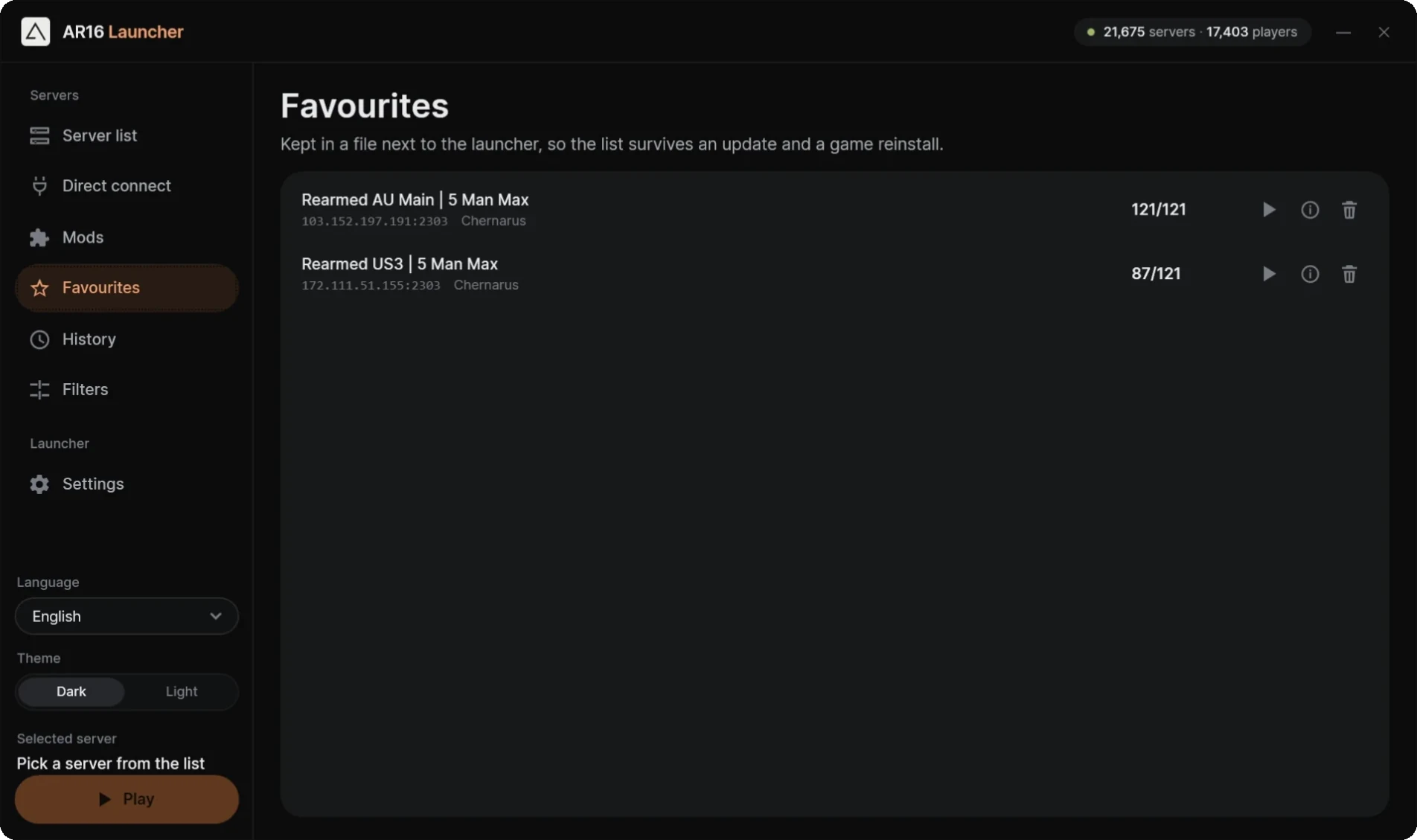
Favourites that survive
Kept in a file next to the launcher, so the list lives through an update and a game reinstall.
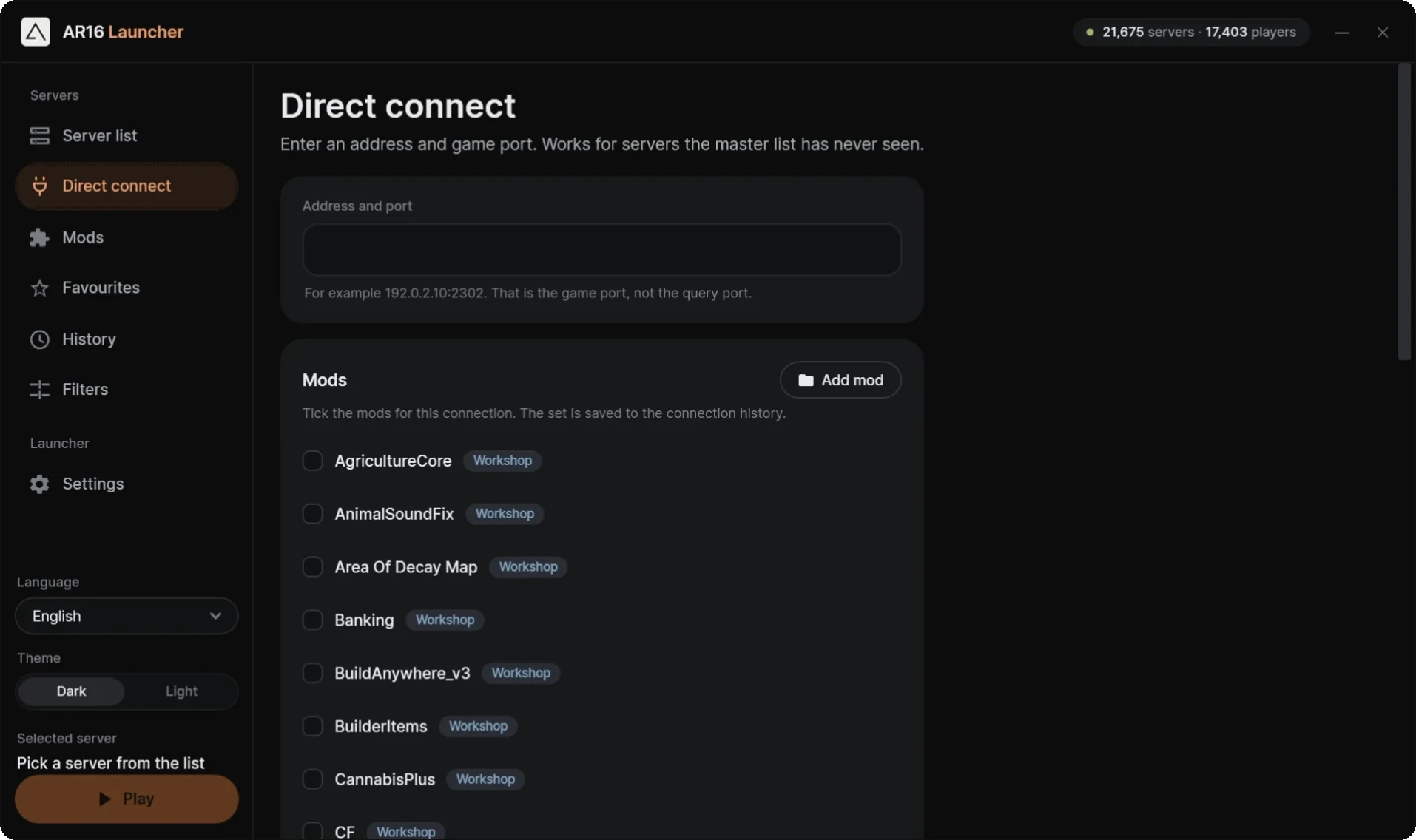
Direct connect
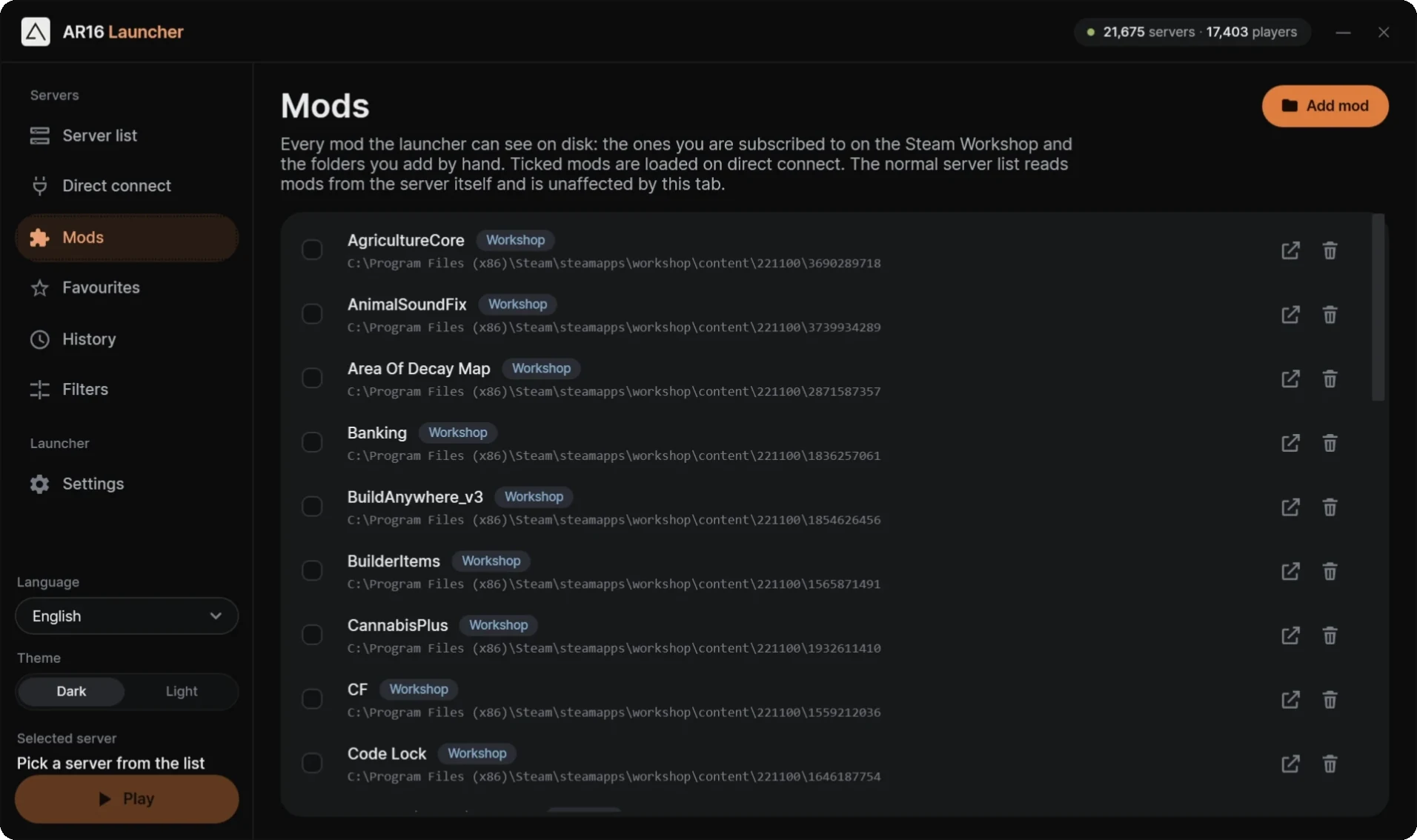
Address, port, tick the mods. Works for servers the master list has never seen.
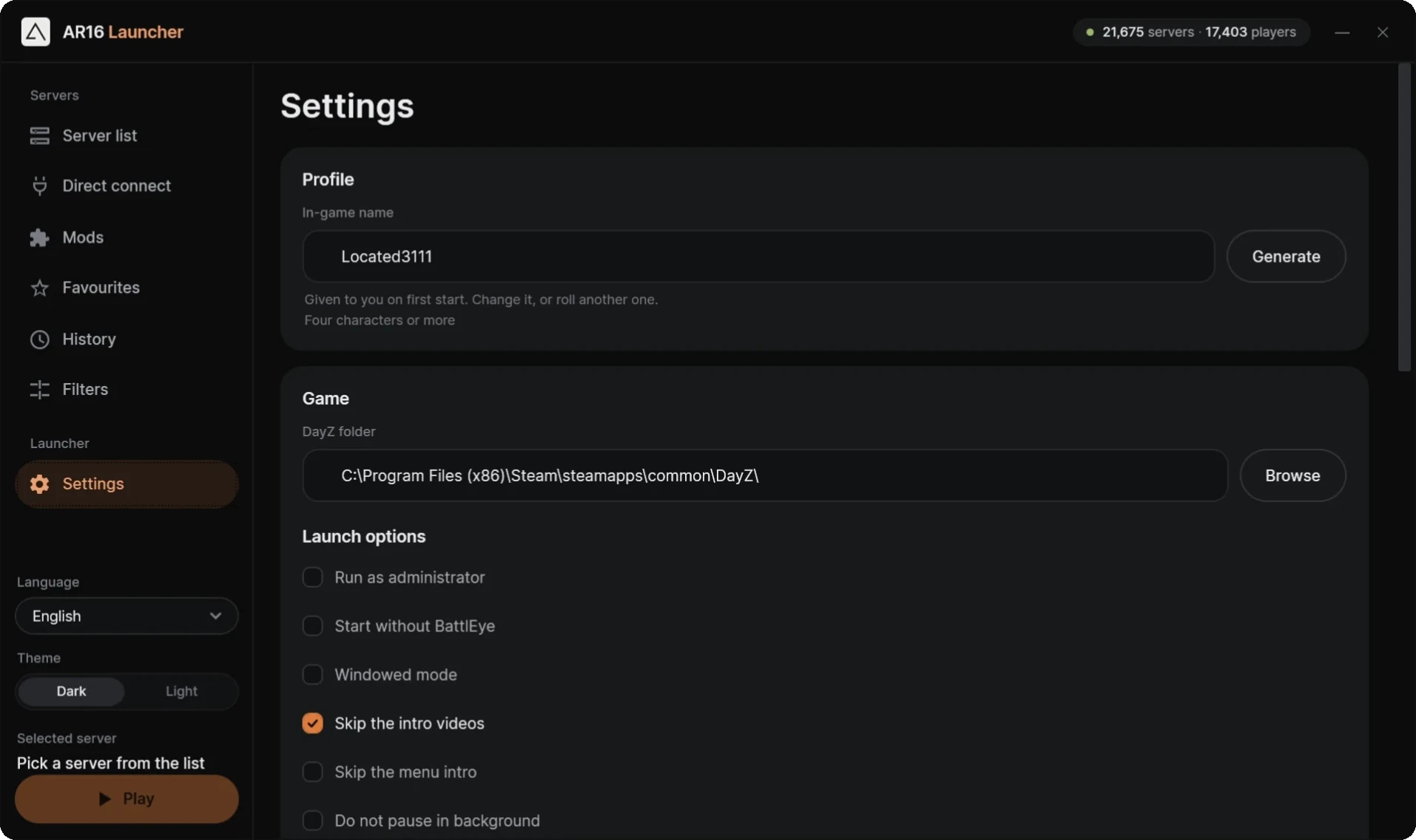
Launch options with checkboxes
Skip the intro, windowed mode, do not pause in background. No command line to memorise.
Dark and light
Two themes and two languages, English and Russian.
Playing from this site
- Install the launcher and start it once. That registers the
ar16://link handler, so the Play buttons on this site start working. - Find a server in our server list and press Play, either on the row or on the server page.
- The browser will ask whether to open the launcher. Allow it, and the launcher connects you to that server.
The confirmation dialog is the browser protecting you from apps opening themselves, and it cannot be turned off. If nothing happens after pressing Play, the launcher is not installed yet and you will be brought back here.
Earlier versions
If a new build breaks something on your machine, roll back to the one that worked and write to us.
We keep the last 3 builds. Older ones are removed, so bookmark a file if you need to keep it.
Ready to try it?
Free, no account needed. Windows only.